

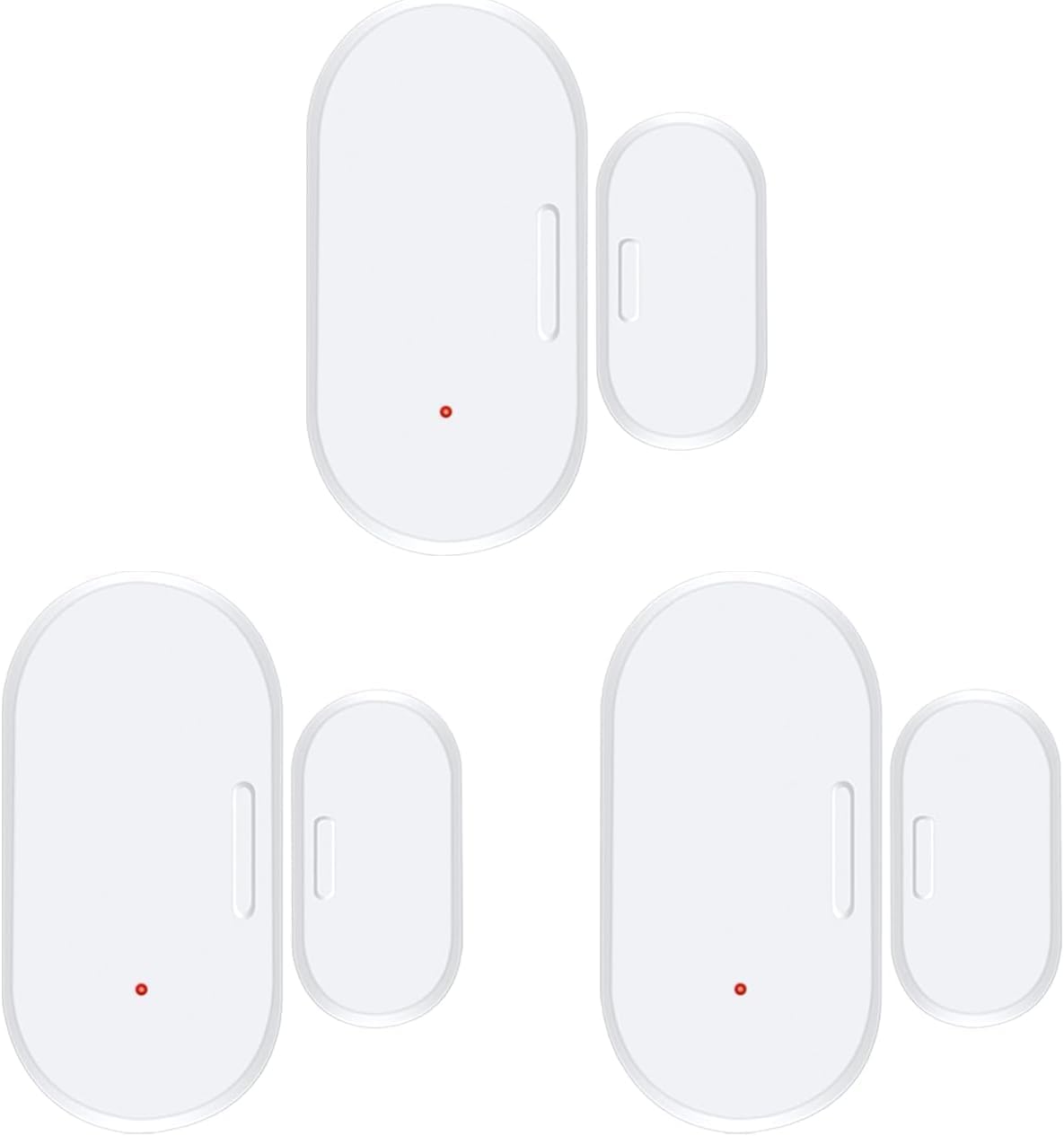
Xfinity Door Window Sensor Home Security XHD2-LD (Latest Generation 2023)
Product details
| Management number | 239170188 | Release Date | 2026/07/14 | List Price | US$5.59 | Model Number | 239170188 | ||
|---|---|---|---|---|---|---|---|---|---|
| Category | |||||||||
Secure and monitor your home with Xfinity Home door/window sensors, and create rules to get real-time alerts if any door or window is opened unexpectedly. Essential security and easy home automation Set rules to get real-time alerts when doors and windows are opened or closed. And always know when the kids get home from school safely, if they left a door ajar, or when your dog walker arrives. Stay connected with the Xfinity Home app Manage your home anytime, from anywhere. Arm/disarm your system, view your Xfinity Cameras, control your smart lights, locks, and thermostat. And so much more. Compatible with Xfinity only Set Up Instructions: 1) Open Smartthings App. Click "+" to add a device. 2) Pull battery tab on device. Open device and make sure green light is flashing. I had to reinstall one battery to get the green light flashing. 3) Click scan in app. It will find it and name it "Thing". 4) In web browser, go to Smartthings IDE 5) Go to "My devices". Click on "Thing". Scroll to bottom. Click "Edit". 6) Change name and label to you name for the device. 7) For Type, select "SmartSense Open/Closed Sensor". Many places suggest using "Tyco" but that didn't give me the right status in the Smartthing App. 8) Scroll to bottom and click "Update".
- Secure and monitor your home with Xfinity Home door/window sensors, and create rules to get real-time alerts if any door or window is opened unexpectedly.
- Essential security and easy home automation
- Set rules to get real-time alerts when doors and windows are opened or closed. And always know when the kids get home from school safely, if they left a door ajar, or when your dog walker arrives.
- Stay connected with the Xfinity Home app
- Manage your home anytime, from anywhere. Arm/disarm your system, view your Xfinity Cameras, control your smart lights, locks, and thermostat. And so much more.
| UPC | 834450004352 |
|---|---|
| ASIN | B0BQDM11DJ |
| Brand | Generic |
| Color | White |
| Voltage | 1.5 Volts (DC) |
| Unit Count | 1.0 Count |
| Item Weight | 0.06 Kilograms |
| Manufacturer | XFINITY |
| Model Number | LDHD2AZW |
| Power Source | Battery Powered |
| BuiltIn Media | Batteries |
| Mounting Type | Door Mount, Window Mount |
| Control Method | App |
| Item Type Name | Sensor |
| Mfr Part Number | LDHD2AZW |
| Sensor Technology | Contact Sensor |
| Compatible Devices | Home Security System |
| Battery Description | AAA |
| Number of Batteries | 1 AAA batteries required. (included) |
| Smart Home Compatibility | Smart Home Compatible |


Bestseller ranking
Home Security Systems



Customers who viewed this product also viewed
Strobe Lights


Correction of product information
If you notice any omissions or errors in the product information on this page, please use the correction request form below.
Correction Request Form